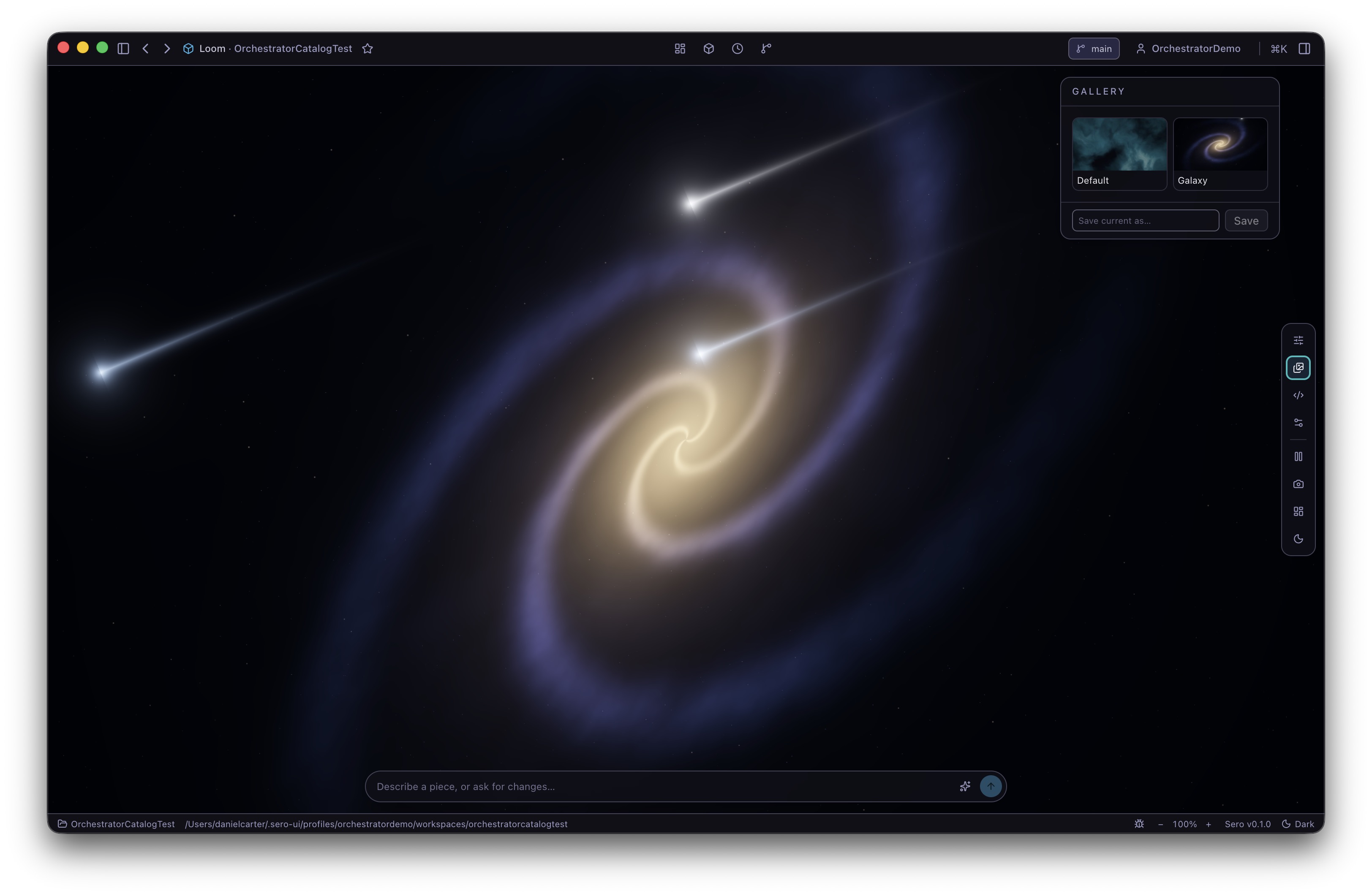
Plugins and Apps

Sero plugins can add app UIs, agent tools, commands, background runtime behavior, provider metadata, and dashboard widgets. This guide gives the user-facing and author-facing mental model without replacing the detailed plugin references.

Sero is still a source-only OSS alpha. Treat third-party plugins as trusted source code, expect plugin APIs to evolve, and do not assume external plugins are bundled Sero features.

Using plugins

Core apps, bundled plugins, and installed plugins

Sero has a few app/plugin categories that users should keep separate:

  • Core shell apps such as Dashboard and Explorer are built into the desktop shell and are always present.
  • Bundled plugin apps live in the Sero monorepo and ship with the local source checkout. They may appear through the same discovered-app/favorites path as other plugin-backed app surfaces, but they are not removed like an installed third-party plugin.
  • Installed, external, or local plugins live outside the core app. During alpha, install them only from sources you trust.

A plugin can provide one or more surfaces:

  • an app in the Sero sidebar
  • tools or commands the agent can use
  • dashboard widgets (see Dashboard and Widgets)
  • background/runtime behavior
  • provider metadata for model or service integrations

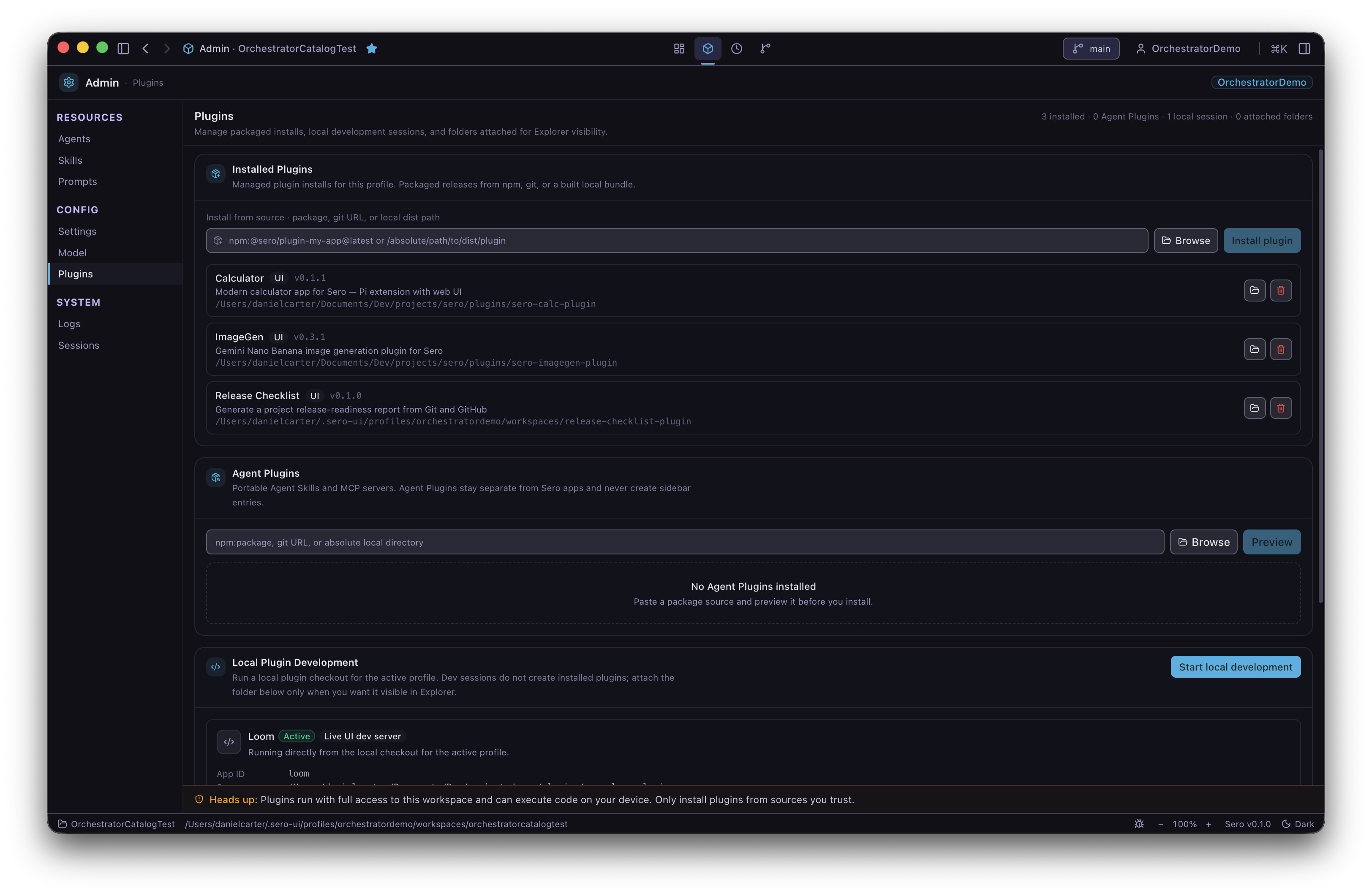
For the at-a-glance list of built-in and external/local plugins, see the Plugin Catalog. For the canonical overview, see Plugins. For the end-user management flow, see App Store, Favorites, and Installed Plugins.

Local Plugin Management

App Store and discovery

The App Store dialog is the current discovery and management surface for plugin apps. It has two high-level views:

  • Installed — apps already known to the local Sero profile.
  • Discover — public or community plugin search results.

Installed search filters local app manifests. Discover searches remote plugin sources through Sero's plugin search bridge.

Keep the alpha caveats in mind:

  • Do not treat Discover as a stable commercial marketplace.
  • Do not assume every discovered plugin is official or supported by Sero.
  • Do not install source plugins unless you trust the repository.
  • Auto-update behavior is not a public promise during alpha.

Favorites and the sidebar

The main sidebar shows core shell apps plus favorited discovered apps that the host supports. Discovered apps are not all shown by default.

Favorites are a convenience for keeping frequent plugin apps close at hand:

  • core shell apps such as Dashboard and Explorer are always available and are not favorited/unfavorited the same way plugin-backed apps are
  • bundled plugin apps may be seeded as favorites and can be removed from the sidebar without being uninstalled from Sero
  • favorited discovered apps can appear alongside core shell apps in the sidebar
  • app launch goes through Sero's normal app-opening flow

If a plugin is installed but does not appear where expected, it may be hidden by compatibility checks, missing capabilities, or alpha discovery behavior.

Plugin app

Example plugin surfaces

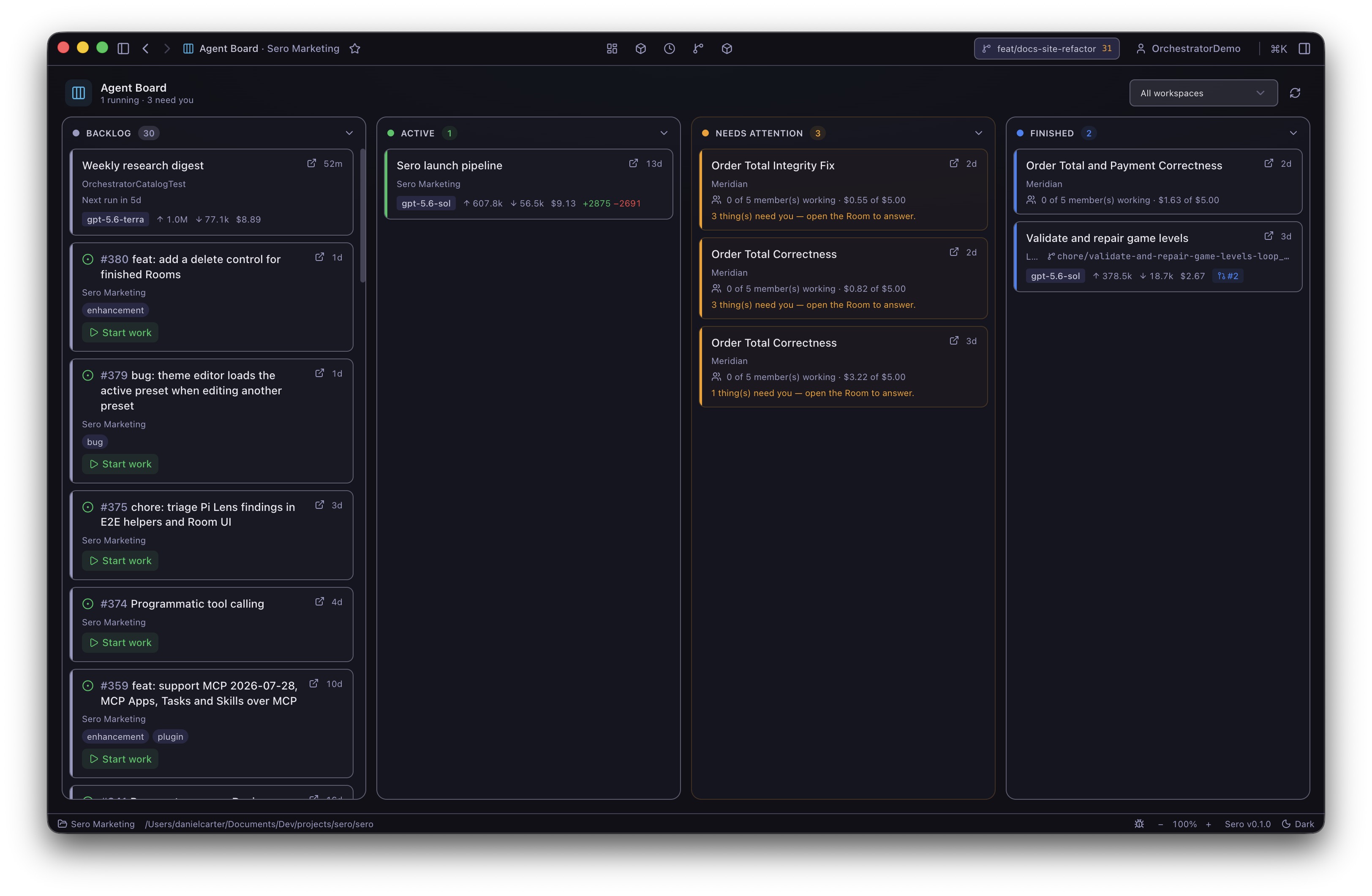
Bundled and installed plugins can provide focused app UIs. Examples include Kanban boards, image generation, debate/review workflows, and research-oriented surfaces. Treat these as examples of the plugin model rather than a promise that every profile has every plugin installed or enabled.

A Kanban-style plugin can use Sero's app surface for project-specific planning without becoming part of the core shell.

Kanban board

Detail views let a plugin expose richer state for one item while still keeping that state inside the plugin's own model.

Kanban detail

Plugin-specific options belong inside the plugin UI unless they need a host-level capability or permission.

Kanban options

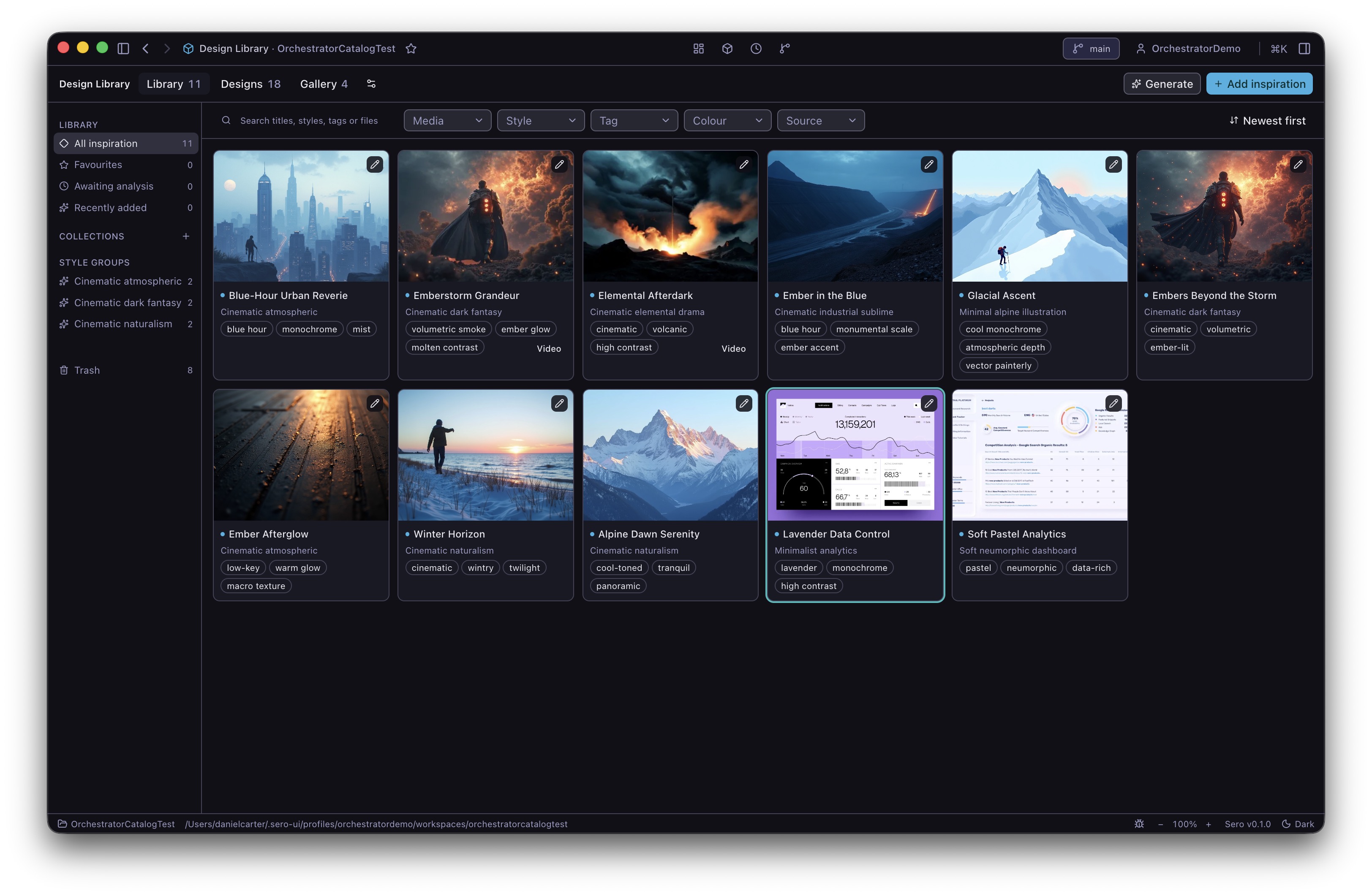
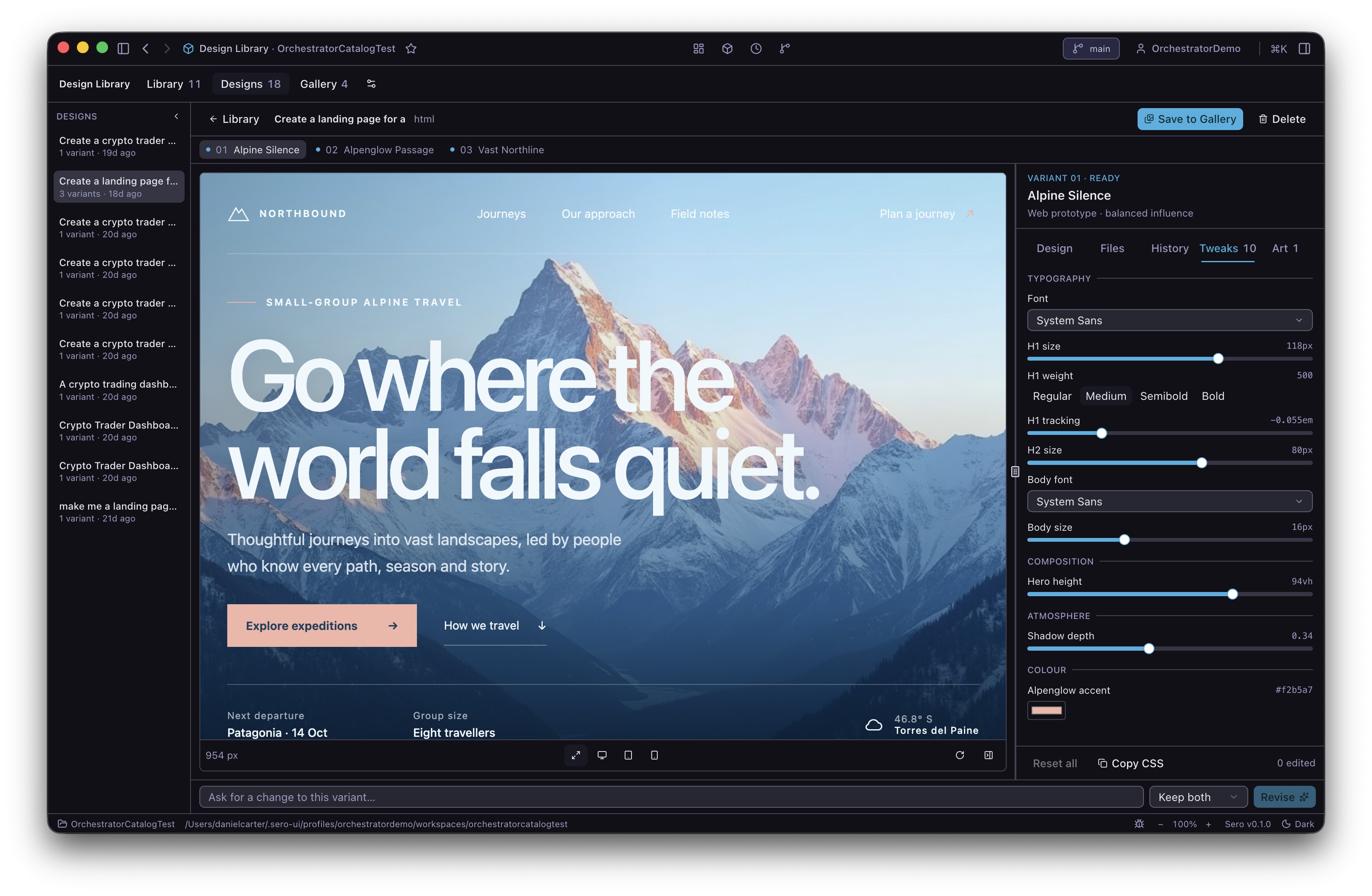
Other plugins may focus on agent-assisted generation workflows rather than project management.

Image generation

Review or debate-style plugins are another example of the same extension model: a focused UI paired with agent/tool behavior.

Debate workflow

Compatibility and trust

Plugins can declare compatibility requirements such as a minimum Sero version or required host capabilities. Unsupported plugins may remain installed but not activate in the sidebar or app surface.

This protects users from some mismatches, but it is not a substitute for trust:

  • plugin code can include UI, extension logic, tools, and runtime behavior
  • credential-heavy integrations need extra care
  • local/source plugins should be reviewed like any other code you run locally
  • plugin contracts and host capabilities can change during alpha

Building plugins

Basic package shape

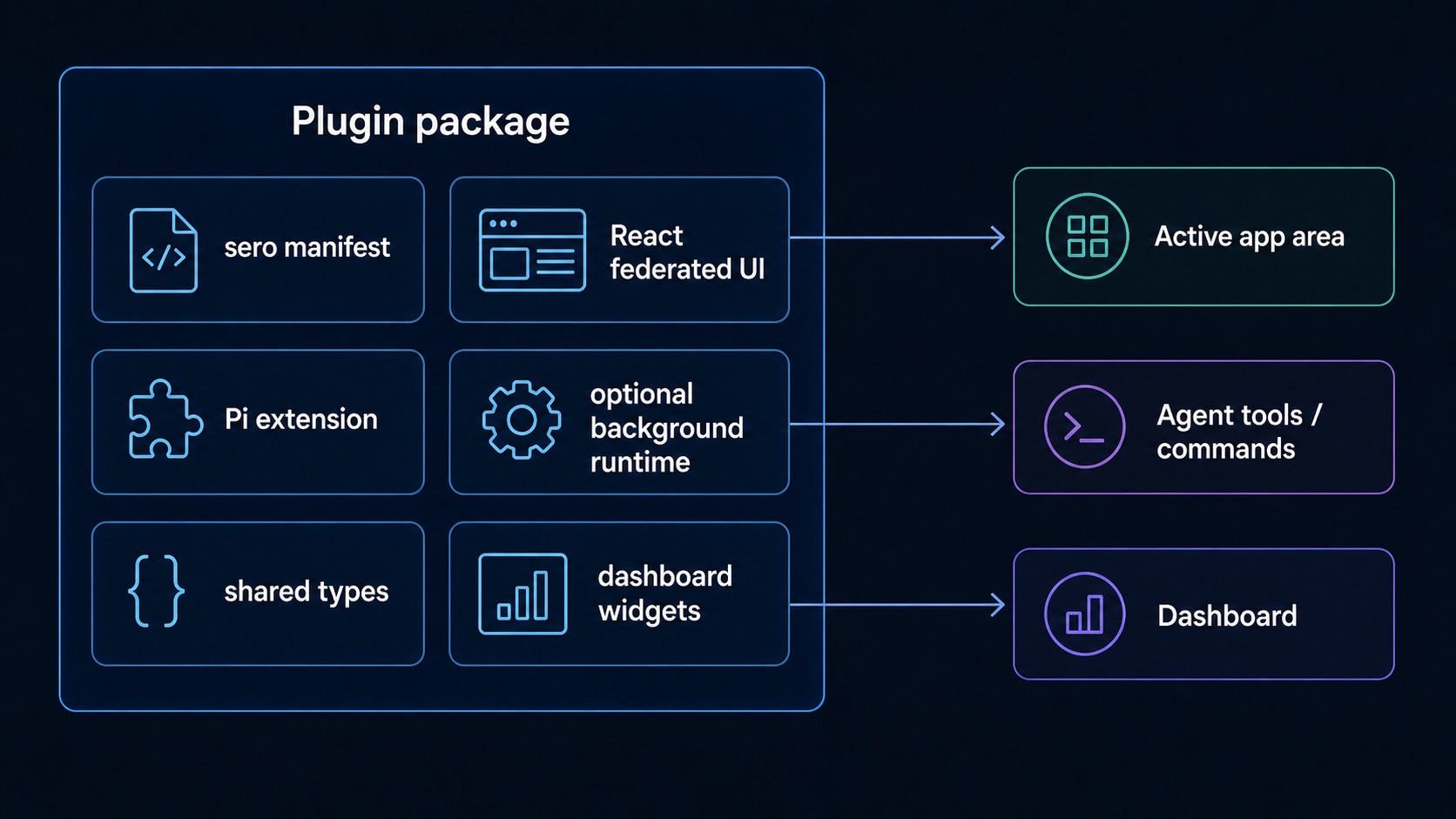
A Sero plugin usually combines a few pieces:

  • package metadata with sero manifest fields
  • an optional Pi extension for tools, commands, and hooks
  • an optional React UI loaded as a federated remote
  • optional shared types
  • optional runtime/background behavior
  • optional dashboard widget metadata or runtime widget registration

The best starting points are:

Use this page as the map; use the reference pages for implementation detail.

Federated app UIs

Plugin UIs are loaded dynamically. In production, installed plugin remotes are served through Sero's extension protocol. In development, Sero can fall back to a plugin dev server when configured.

At a high level, the desktop app resolves a remote entry, loads the exposed React component, and mounts it inside the active app area. Loaded modules are cached and evicted over time so Sero can handle dynamic plugin app loading.

Do not rely on internal remote-loading details as a stable public API. Keep plugin packaging metadata explicit and follow the current quickstart.

App runtime hooks

@sero-ai/app-runtime gives federated app modules a small host bridge. See the App Runtime Reference for the source-checked hook/API table. Current public-facing concepts include:

  • useAppInfo — read app and workspace identity
  • useAppState — read and update file-backed app state through Sero
  • useAgentPrompt — send text to the active agent session
  • useAI — call an app-scoped agent prompt or stream when available
  • useAppTools — invoke app/plugin tools through the host bridge
  • useAvailableModels — read available model groups when exposed by the host
  • useTheme — read effective theme mode and preset
  • useWidgetRegistration / registerWidget — register dashboard widgets for the current renderer session

These hooks expect to run inside the Sero shell with the window.sero bridge available. During alpha, some hooks may throw or degrade if a host capability is missing.

App state

Plugin app state should go through Sero's app-state bridge rather than browser storage. In practice, that means using useAppState from the app runtime instead of localStorage or ad hoc files from renderer code.

This keeps plugin state aligned with Sero's profile/workspace model and lets the host own persistence. Exact storage paths and capabilities can vary by app scope and plugin configuration, so document plugin-specific state only after verifying it.

Dashboard widgets

Plugins can expose dashboard widgets through static manifest metadata or runtime registration. Widgets are intended for compact summaries such as recent activity, counts, or quick status — not as full replacement app surfaces.

For the user workflow to add, remove, drag, resize, and troubleshoot widgets, see Dashboard and Widgets.

When documenting widgets, keep claims scoped:

  • mention dashboard widgets when the plugin manifest or runtime registration confirms them
  • avoid promising exact placement or sizing beyond declared hints
  • verify screenshots in the current app before publishing step-by-step docs

Runtime commands and host capabilities

Some plugins need host capabilities for command execution, background runtime, agent-tool bridges, or provider integrations. Manifest requirements help Sero avoid loading unsupported apps, but they do not guarantee parity across every runtime mode.

In public alpha docs, prefer conservative wording:

  • say a plugin requires a host capability when the manifest says so
  • mention that container-backed mode may expose more capabilities than reduced host mode
  • avoid promising every plugin works identically in every profile, workspace, or runtime configuration

What not to assume during alpha

Avoid these claims unless a later product decision and runtime test confirm them:

  • external plugins are bundled Sero features
  • Discover is a stable marketplace
  • auto-update is supported
  • every installed plugin can activate on every host
  • every dashboard widget placement is fixed
  • app-runtime APIs are permanently stable
  • source plugins are safe just because they appear in search

Next steps

If you want to use plugins, start with App Store, Favorites, and Installed Plugins, then use the Plugin Catalog to distinguish built-in plugins from external/local examples, read Dashboard and Widgets for widget behavior, and Plugins for the broader model.

If you want to build a plugin, start with Plugin Author Quick Path, then continue to Plugin Quickstart and Plugin End-to-End Example for UI, extension, runtime, and widget structure.