Architecture
High-level model
Sero combines three major layers:
- Electron desktop shell
- workspace/runtime orchestration
- Pi-based agent intelligence
At a high level:
- the Electron app provides the shell and UI
- workspaces define project scope and runtime mode
- Pi powers the agent sessions, tools, commands, and plugin extensions
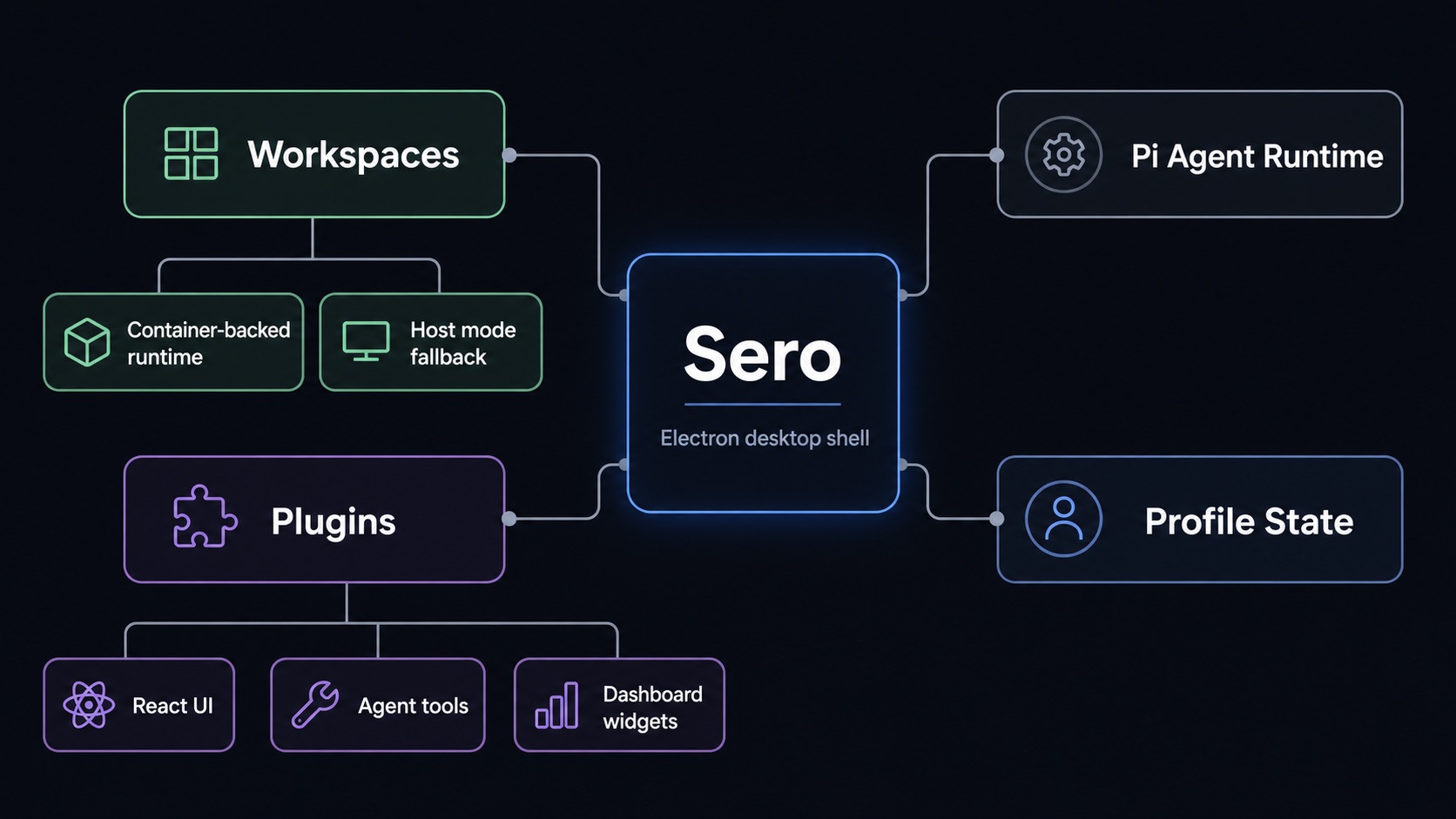
flowchart LR
User[User] --> Shell[Electron desktop shell]
Shell --> Apps[Core apps and plugin UIs]
Shell --> Chat[Global chat panel]
Shell --> Workspace[Workspace registry]
Chat --> Pi[Pi agent runtime]
Pi --> Tools[Tools, commands, and skills]
Pi --> Context[Session history, memory, and context]
Workspace --> Runtime{Runtime mode}
Runtime --> Apple[Apple Container workspace]
Runtime --> Docker[Docker / Podman workspace]
Runtime --> Host[Host mode]
Apps --> AppRuntime["@sero-ai/app-runtime"]
Apps --> AppState[Profile or workspace app state]
Plugins[Plugins] --> Apps
Plugins --> Tools
Plugins --> Widgets[Dashboard widgets]

Shell model
The shell centers around:
- a main sidebar for apps and workspace/session context
- an active app area
- a chat panel for the focused agent session
- a status bar for current state
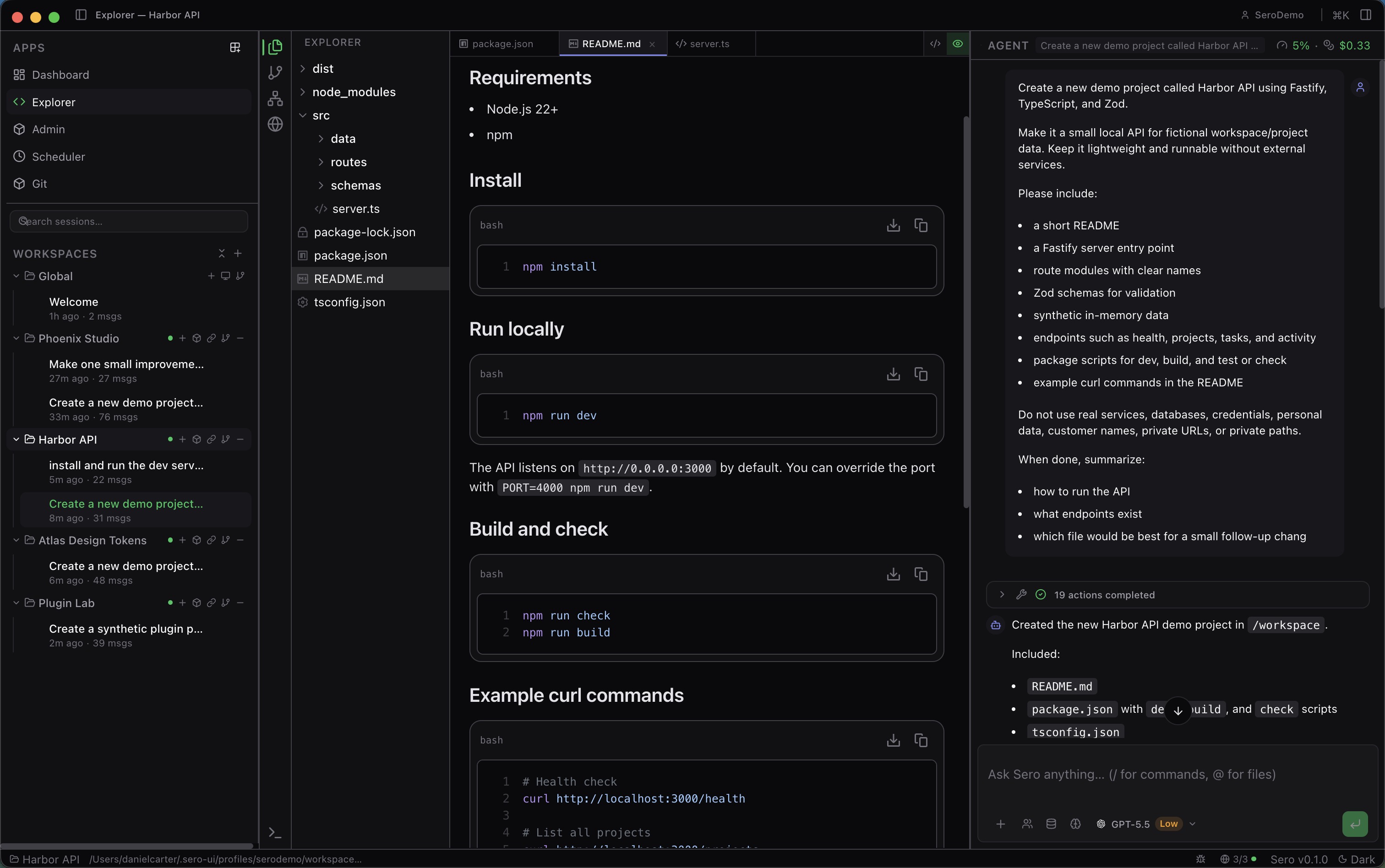
┌──────────────────────────────────────────────────────────────┐
│ Title bar: app context, command menu, shell actions │
├──────────────┬──────────────────────────────┬────────────────┤
│ Main sidebar │ Active app area │ Global chat │
│ │ │ panel │
│ Apps │ Dashboard / Explorer / │ Pi-backed │
│ Workspaces │ Plugin UI │ session │
│ Sessions │ │ │
├──────────────┴──────────────────────────────┴────────────────┤
│ Status bar: workspace/runtime/session state │
└──────────────────────────────────────────────────────────────┘

Workspaces
Workspaces are the main organizing unit. Each workspace has:
- a root directory on disk
- its own runtime mode
- its own sessions and context
- a
.sero-workspace.json configuration surface
Runtime modes
Container-backed (explicit choices)
Use Apple Container or Docker / Podman-backed workspaces when you want:
- better isolation
- containerized tooling
- browser automation from the runtime image
- better Linux parity
Host mode (default on supported platforms)
Host keeps core workflows available on supported platforms, but it is not feature-equivalent to container runtimes.
Expect limits around browser automation, containerized tooling, and some managed
preview/runtime behavior. See Support Scope for the canonical platform matrix and Containers and Host Mode
for runtime-specific guidance.
flowchart TD
Open[Open workspace] --> Pick{Selected runtime}
Pick -->|Apple Container / Docker / Podman available| Container[Container-backed workspace]
Pick -->|Host on supported platforms| Host[Host workspace]
Pick -->|Container unavailable| Error[Actionable runtime error]
Container --> Mounts[Mount workspace and configured extra roots]
Container --> Exec["Run terminals, tools, and dev servers via container exec"]
Container --> Preview[Managed previews and browser automation]
Host --> HostFiles[Host file browsing and editing]
Host --> HostChat[Chat and coding tasks]
Host --> Limits[Reduced automation and networking parity]
Plugins
Sero supports plugin-provided UI, Pi extensions, runtime behavior, and provider
metadata. Built-in plugins ship in-repo; external plugins can be installed from
trusted sources.
See also
The deeper architecture source material currently lives in the repository under: